Asiden is coming to Steam.Coming in September. Wishlist it and Steam will tell you the moment it is live.Add to Steam wishlist
Early access · 100 cloud places
Your AI desktop companion. At home on Windows.
Choose a 3D character to talk with, remember your days and keep you company while you work or play.
Talk by text or voice, build memories over time, and share your screen when you choose. Asiden runs locally on your Windows 11 PC, with optional cloud AI for chat, voice and vision.
Little improvements. Better company. See what’s new, what’s improved, and what’s been fixed in Asiden.
Latest updatesNewest first · Scroll for older updates
v0.25.0Available now · Website download
Your companion, with or without the 3D model
Choose the desktop experience that suits you, with easier access to chat across different screen sizes.
A chat-only option. Turn the 3D model off in Settings and keep chat on screen, with Settings always within reach. Turn the model back on whenever you like.
Chat that opens nearby. The chat window starts beside your companion and adapts to the available screen space, helping keep it close by and accessible on different displays.
v0.24.0Available now · Website download
A better sense of when things happened
Remembering something you shared feels more meaningful when your companion also understands when you shared it.
We’ve improved how your companion keeps track of when you shared something, helping reduce mix-ups between older memories and recent conversations.
Clearer answers about past conversations. Improved how your companion uses the original message’s date when you ask when you said something, and how it handles missing dates.
Cleaner replies. Fixed cases where internal timing notes could appear in a reply.
More cloud choices. Added new models for conversations and screen vision, including Opus 5, Gemini 3.8 Flash, Qwen 3.8, GLM 5.3 Flash and Grok 4.6.
Clearer Spark spending. Your history shows the Sparks deducted, with updated estimates and lower prices for selected Venice models.
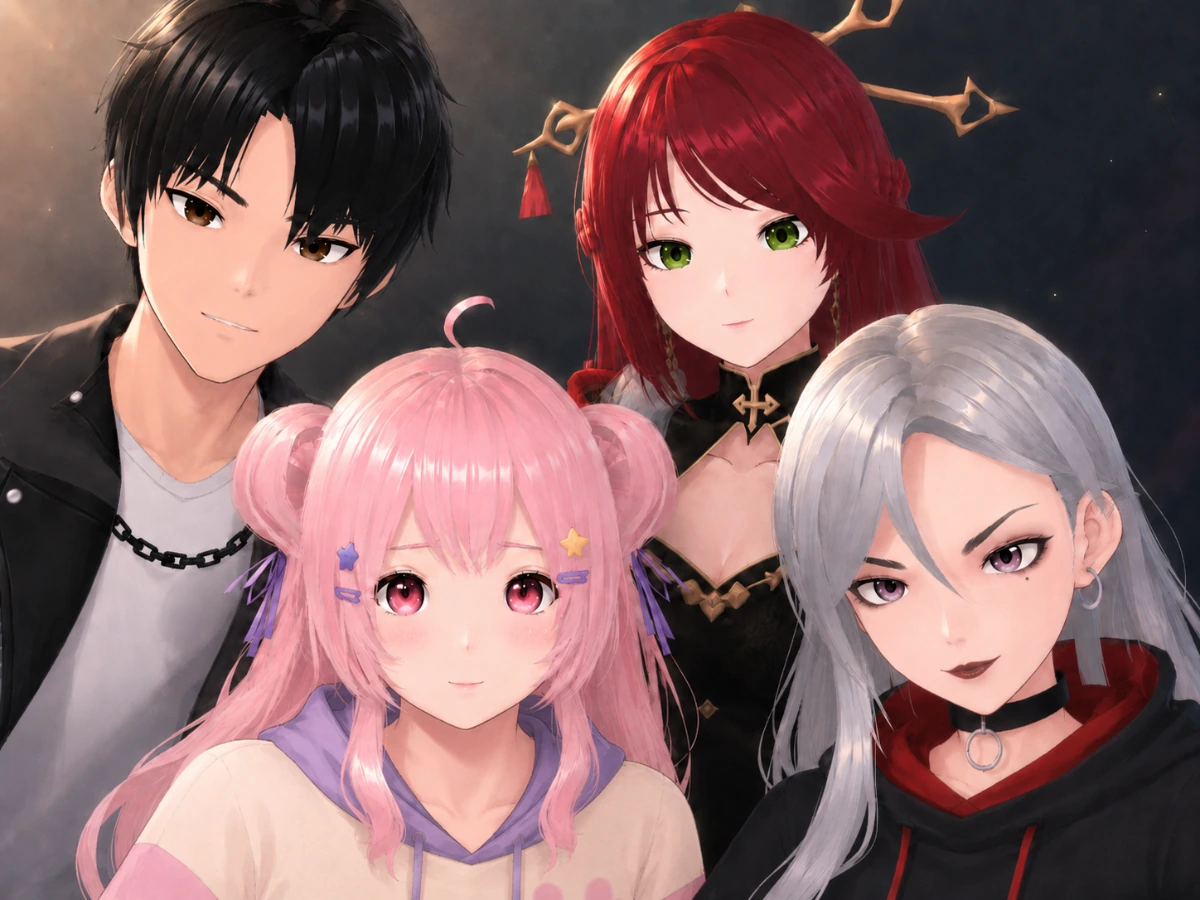
Distinct in character. Consistent in who they are.
Mei
Ready when you are.Protective. Focused. Loyal.
A steadfast companion who keeps you grounded and ready for whatever comes next.
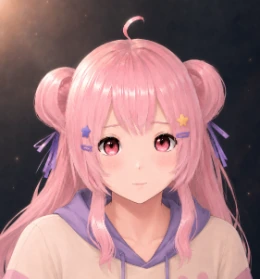
Lily
What are we up to today?Playful. Curious. Optimistic.
Brings energy and positivity, turning ordinary days into something a little bit brighter.
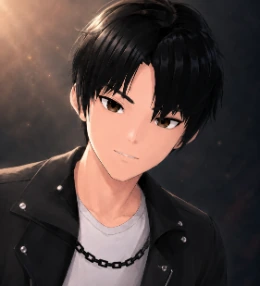
Jae
Picked up where we left off.Calm. Thoughtful. Reliable.
Steady, intelligent and there to help you move forward with clarity.
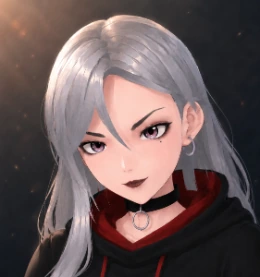
Sasha
Let's get it done.Bold. Honest. Independent.
Sharp, straightforward and pushes you to be your best.
Or create a personality of your own.
The four companions are just a starting point. Use the custom personality wizard to shape your companion’s temperament, interests and way of speaking, then pair that personality with your favourite Asiden avatar.
Why Asiden
Designed to feel naturally present.
Remembers what matters
Keeps hold of the people, moments and routines you share — so conversations feel connected over time.
Private local mode. Unlimited conversations.
With a local model, your conversations, memories and on-screen context stay on your PC. Managed cloud models, voice and vision are optional and clearly identified before data is sent.
Knows when to join in
Understands when a moment is worth sharing — and when you would rather be left to focus.
Vision capabilities
Enhanced screen vision — Asiden can watch as you play, work or browse, and understand and talk about what is on your screen.
Gaming
Deep knowledge of games and a companion who will roast you or cheer you on — depending on the personality you chose.
Make her yours
Choose how often she speaks first, when she can look at your screen, and whether her replies are brief or detailed.
Questions
The things people ask first.
Does Asiden work offline?
Yes, after online activation and local setup. Local chat, memories, voice and vision can work without a connection once their components are installed. Downloads, updates, web searches and optional cloud features need the internet.
Does anything I say leave my computer?
Local chat keeps your conversations, memories and on-screen context on your PC. If you deliberately enable a managed cloud feature, the information needed for that request is sent securely to Asiden's proxy and the selected provider. The app tells you when you are using cloud processing. See Privacy for the full details.
Which version of Windows does Asiden need?
Asiden is built exclusively for Windows 11.
Can Asiden see what is on my screen?
Yes. With screen vision, Asiden can watch as you play, work or browse, and understand and talk about what is there.
How is it different from a chatbot in a browser tab?
Asiden lives on your desktop and keeps hold of the people, moments and routines you share, so conversations stay connected over weeks rather than resetting. It also knows when a moment is worth sharing — and when to leave you to focus.
Something else on your mind?
The Discord is where we answer questions, share progress and take feedback while Asiden is early.
Asiden is a one-off $10 during early access — buy once, then use it locally without limits. Your key arrives by email; enter it in the app after installing.
Optional Plus and Premium plans add premium cloud models, voice and vision — see pricing. Cloud plans are limited to 100 subscribers during early access.
Windows 11 64-bit · quad-core CPU · 16 GB RAM · NVIDIA GPU with 8 GB VRAM · 25 GB free space
Recommended
Windows 11 64-bit · 8-core CPU · 32 GB RAM · NVIDIA GPU with 16 GB VRAM · 40 GB free space
More VRAM means a larger, more capable model — the app measures your GPU on first run and recommends one Gemma model for both conversation and screen vision. An internet connection is needed for activation and the initial model download (roughly 4–19 GB, depending on your choice). Installed local features can then work offline; cloud features, web searches and updates still need a connection. Full requirements
Early access
Asiden is early-access software from a solo developer. The app is a one-off $10 and yours to keep — with no limit on how many people can buy it. Only paid cloud plans (managed chat, voice and vision) are capped, at 100 subscribers, so support stays personal; when those places are taken, new cloud subscriptions pause until more open up. Your statutory rights are unaffected — see Terms and Refunds.
Support
Contact support
Reach us by email or on Discord. We usually reply within a couple of days.